Every parent knows the feeling.
You hand over the device for ten minutes, look up, and somehow…
The rabbit hole
You said yes to one video. Autoplay said yes to a thousand more. Kids drift from a nursery rhyme to something you'd never have chosen.
'Kids' mode isn't enough
Even YouTube Kids lets questionable content and ads slip through. You can't fully trust the algorithm.
No real allowlist control
Regular YouTube has no strict 'only these channels' option. It's all or nothing.
You're flying blind
You have no idea what they actually watched today. No visibility, no peace of mind.
ViewHaven flips it around.
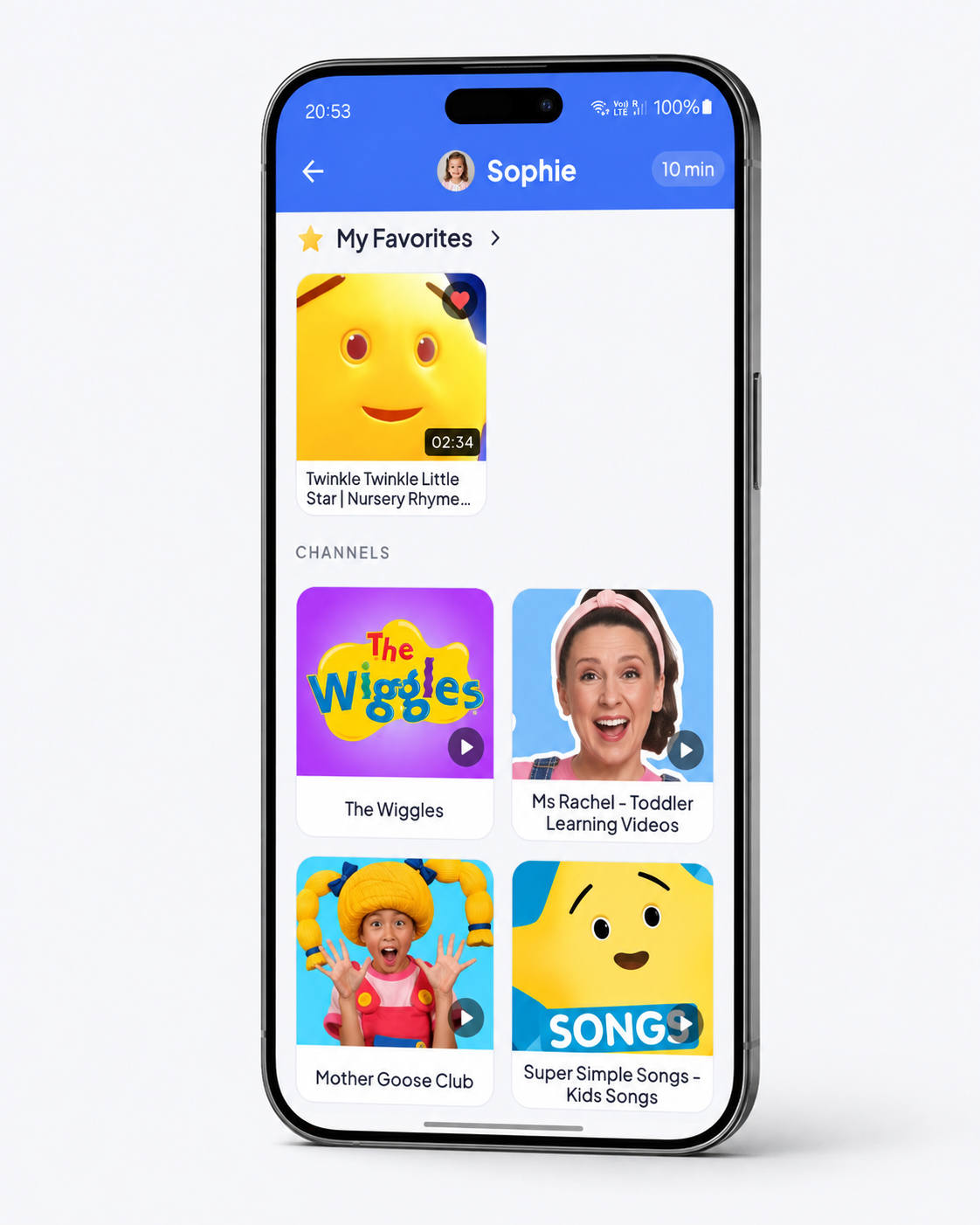
Instead of trying to block the bad stuff (impossible to keep up with), ViewHaven only ever shows the channels you've approved. Nothing else exists inside the app.
- 1
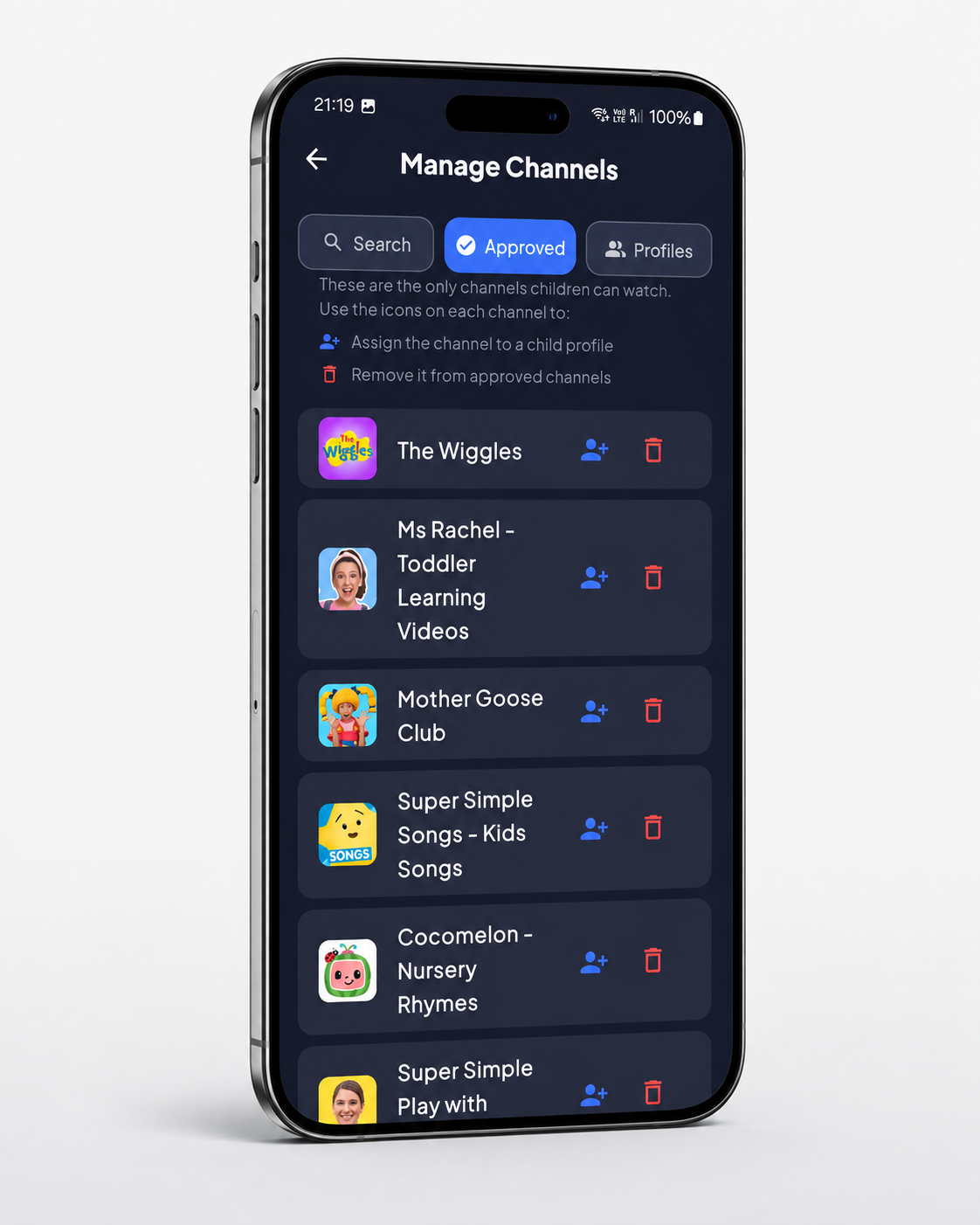
Pick approved channels
Select the YouTube channel to add to the child profile.
- 2
Hand over the device
They open ViewHaven instead of YouTube.
- 3
They watch safely, you relax
No search, no recommendations, no comments. Just your channels for only as long as you allow.

Everything you need to feel good about screen time.
Built around one promise: you stay in control, they stay safe.
Channel allowlist
Only the channels you approve. Full stop.
Topic-level filtering
Block specific topics within approved channels - like hiding all 'Prank' videos while keeping the rest.
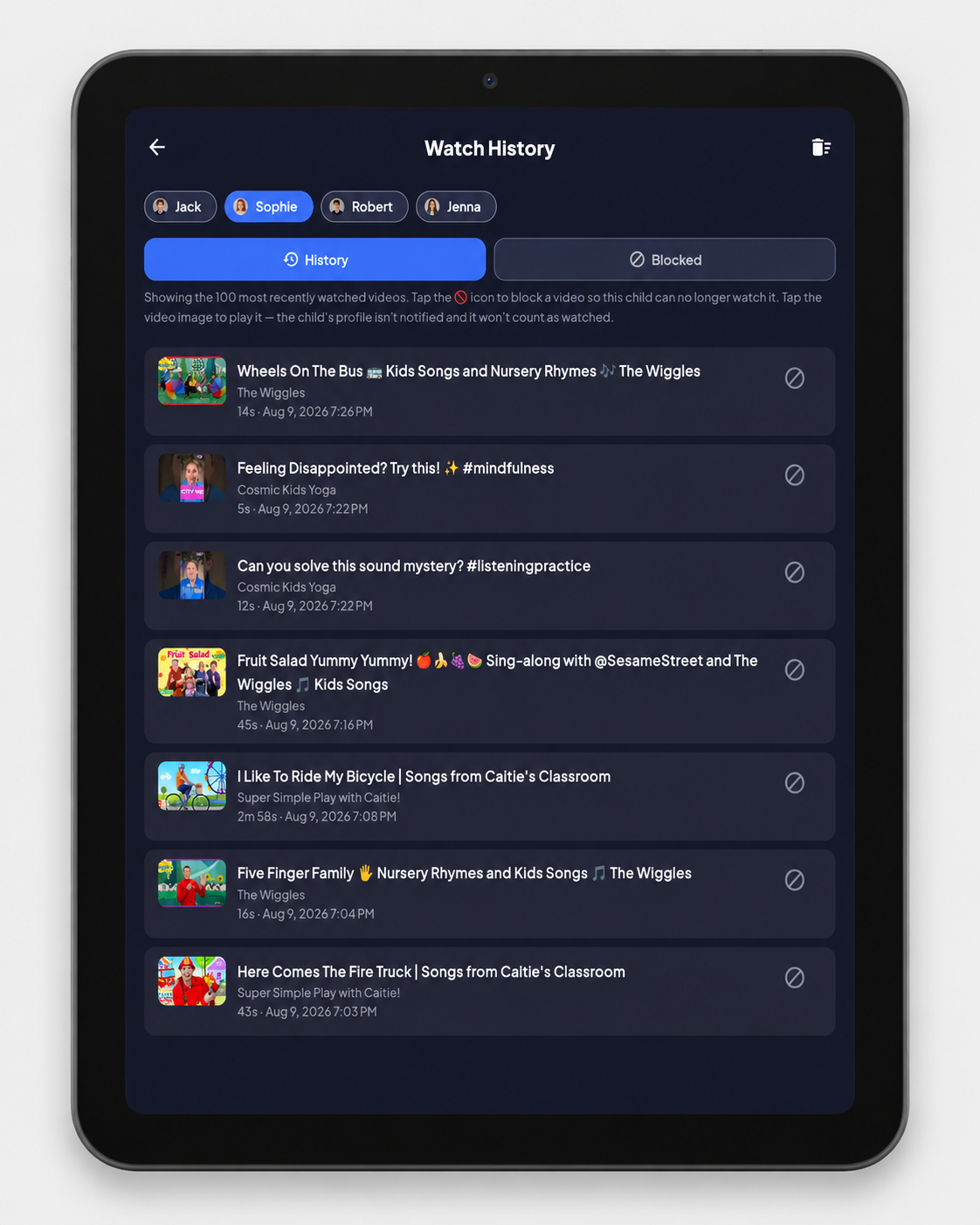
Watch history
See exactly what your child watched at anytime even from a different device.
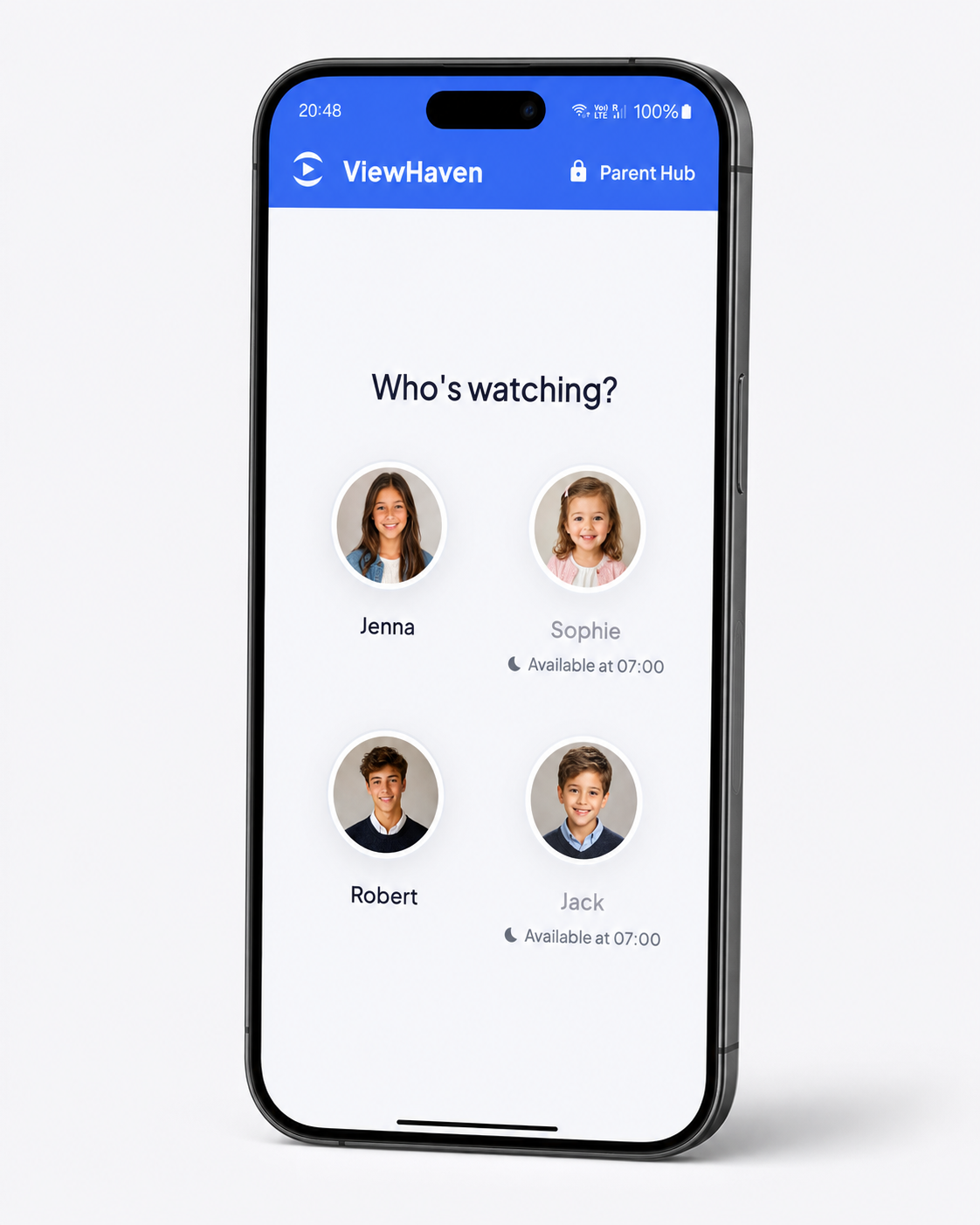
Per-child profiles with safeguards
Different approved channels for different ages. Pin protected so little ones can't sneak onto older kids profiles.
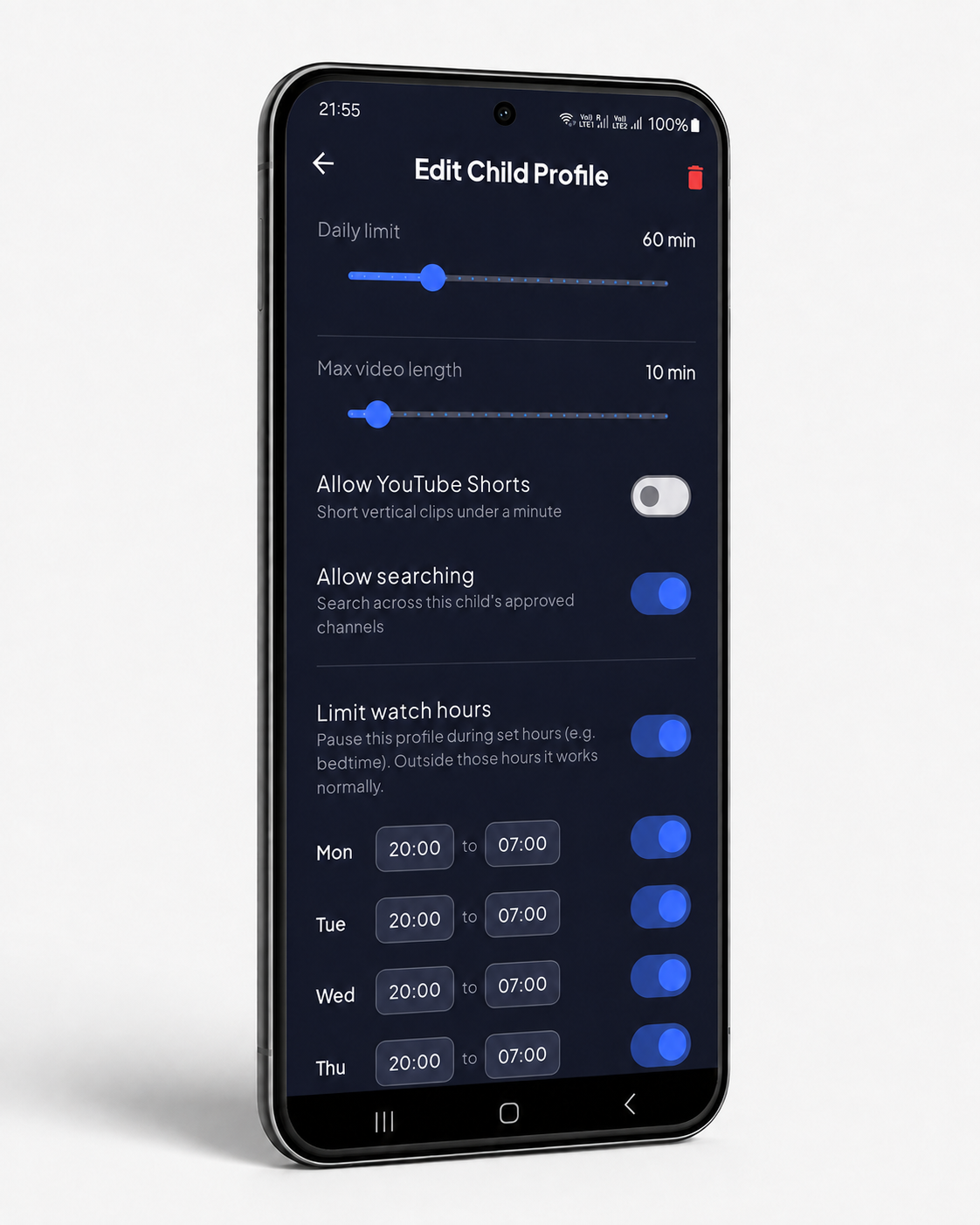
Screen time limits
Set how long kids can watch regardless of which device they use, they get a gentle 'time's up' instead of a meltdown.
Screen time schedules
Set from what time and on what days they can watch. Allowing for more flexibility on weekends while ensuring no screen time during homework time.
Remote locking
Pause screen time remotely with a custom message such as "Time for dinner".
A walled garden, not a filter
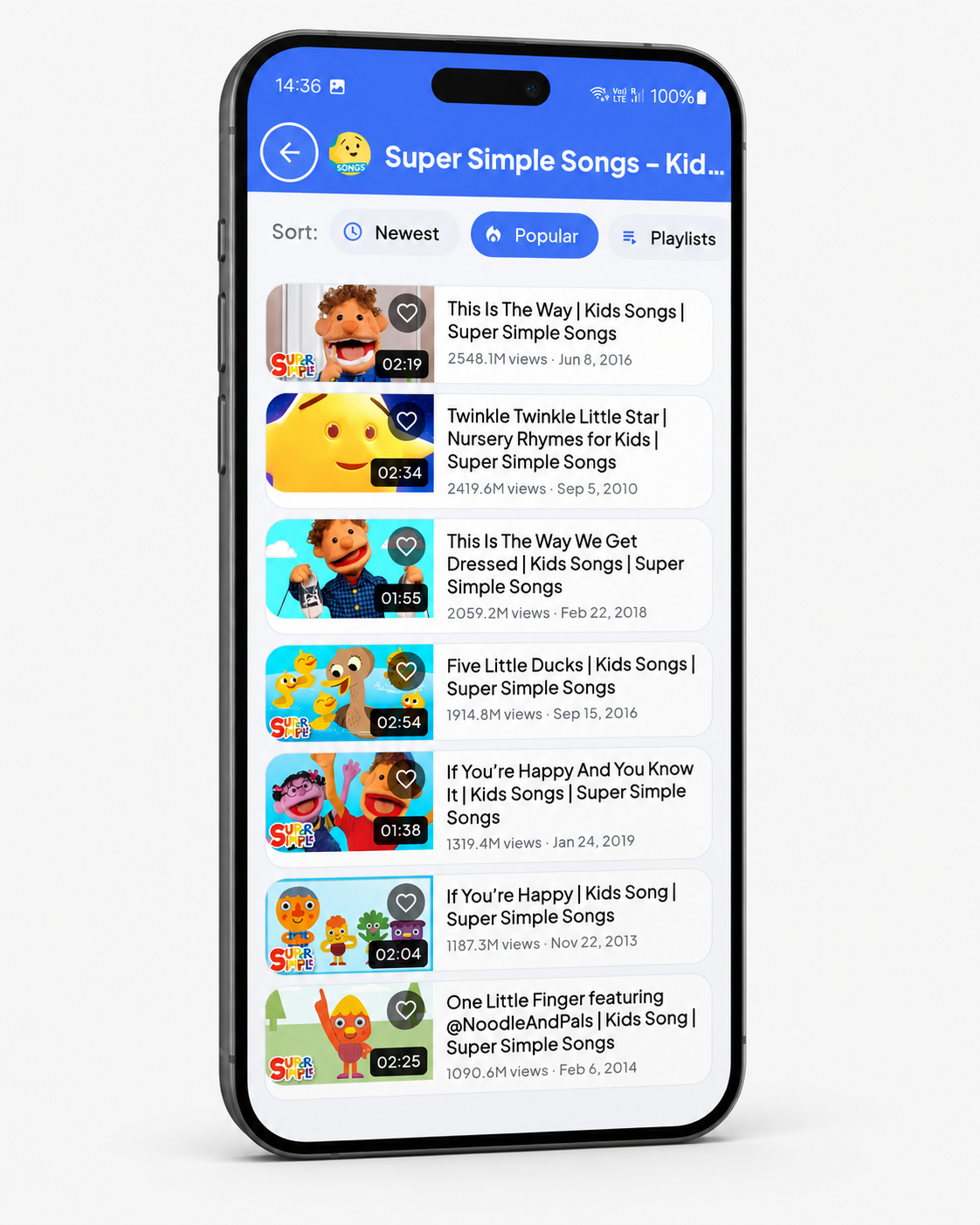
No uncontrolled search, no recommendations, no related videos, no comments all in a distraction free player.
Live View
View the video your child is watching now, live, from anywhere even if you are at the office.
Private by design
No ads. No advertising built on your kids or your profiles. Your family's data stays yours.
Join the Apple iOS waitlist.
ViewHaven for iOS is scheduled for Early October 2026. Leave your email and we'll tell you the moment it lands on the App Store - nothing else, ever.
Common questions
Is ViewHaven just for younger kids?+
Not at all - ViewHaven is built for kids of every age, and honestly, older kids often need it more. Younger children stick to what you hand them, but tweens and teens are the ones who go looking for just five more minutes and end up an hour deep in a scroll they can't explain. A few features exist specifically for that: Block Shorts turns off short-form vertical clips, the format built for endless scrolling and the single biggest rabbit hole for older kids. Daily time limits cap total watch time regardless of how many one more video moments happen. Bedtime and allowed-hours schedules shut the app down late at night, when unsupervised scrolling does the most damage. Blocked keywords and videos filter out content that slips past channel approval as kids get more curious and independent. Watch history and Family Sync let you see exactly what they watched and adjust limits remotely as their habits change.
Is my child's data safe?+
Yes. We do not gather any personal detail about what you or your children have been viewing. Watch history stays on your account and we never sell data.
Does it work on phones and tablets?+
Yes - ViewHaven is designed for phones and tablets alike.
Does it work on my TV?+
TV native app launch is scheduled during October 2026.
How is this different from YouTube Kids?+
YouTube Kids relies on filters that still let things slip through. ViewHaven uses a strict allowlist - if you didn't approve the channel, it doesn't exist inside the app.
Do my kids need their own account?+
No. Children stay account free and history free - only the parent sets up a profile and PIN. On ViewHaven Plus you can have unlimited child profiles under one parent account.
When will it be on the App Store / Play Store?+
ViewHaven is available now on the Google Play Store - search for "viewhaven". The Apple App Store release is scheduled for Early October 2026.
Can I block just one video without removing the whole channel?+
Yes - you can hide a specific video from any approved channel while keeping the rest of that channel available. Perfect for when one upload doesn't fit your family's values.